Documentation
Get started with MooseAPI
Ctrl K Expand all Collapse all
▸ Start here 4 Welcome to MooseAPI Architecture Deploy Console tour
▸ API management 10 Specifications Specification categories Moose APIs: create and manage Routes and route rules Policies tab and security policies Revision history Listeners Moose Control Gateway-wide policies and policy catalogue Global policies (Customize)
▸ Workflows 10 Workflow designer Activities reference Expressions Runtime tab and run traces Trace and Test Console Failed runs Business status Connectors and version pins MCP servers Workflow engine guarantees
▸ Release and runtime 3 Deployments Releases, promotion and rollback Cells
▸ Developer programme 7 How the developer programme fits together Products Apps and API keys Developer users Developer portal OAuth 2.0 server Visualize: apps, products and APIs
▸ AI gateway 8 AI gateway overview AI API keys (provider connections) Model groups Apps and budgets Guardrails Playground Request log Prices
▸ Access control 7 How access works in the console Users Roles and permissions Groups Identity providers, SSO and SCIM Client providers Passwords, two-factor and API tokens
▸ Analytics 4 Dashboard and Observability Metrics Reports and scheduled reports Dashboard Builder
▸ Alerts 2 Alert rules Distribution lists and email configuration
▸ Logs 4 Access Logs Moose, Admin and Proxy logs Audit Logs Logging settings and forwarding
▸ Security operations 3 API Security Key Vault and encryption Audit log integrity
▸ Administration 8 Environments Target hosts Global variables Key Vault and encryption keys Cache console Configuration export and import System health and database health IP management
▸ Operate 5 High availability and backup Licence compliance, Valkey and offline use Troubleshooting Settings and themes Brand and logo usage
▸ Reference 1 Error responses
▸ Community 1 Sign in or create an account
The complete guide to MooseAPI: build and secure APIs, run workflows, govern AI traffic, and operate the platform.
Start here
Welcome to MooseAPI What the platform does and where to read next.
MooseAPI is an API gateway and workflow platform. You describe APIs in a console, and Envoy-based gateway cells enforce security, run workflows and route requests to backends or AI models.
Architecture Cells, the edge, the policy service and how a request flows. Deploy it Compose, Swarm, Kubernetes or VMs from one settings file. Console tour Every menu of the console and what it is for. Publish an API From specification to a live Moose API. Secure it Authentication, rate limits and threat protection. AI gateway Model groups, budgets, redaction and fallback. Workflows Build logic between request and backend without code. Observe it Logs, metrics, reports and alerts.
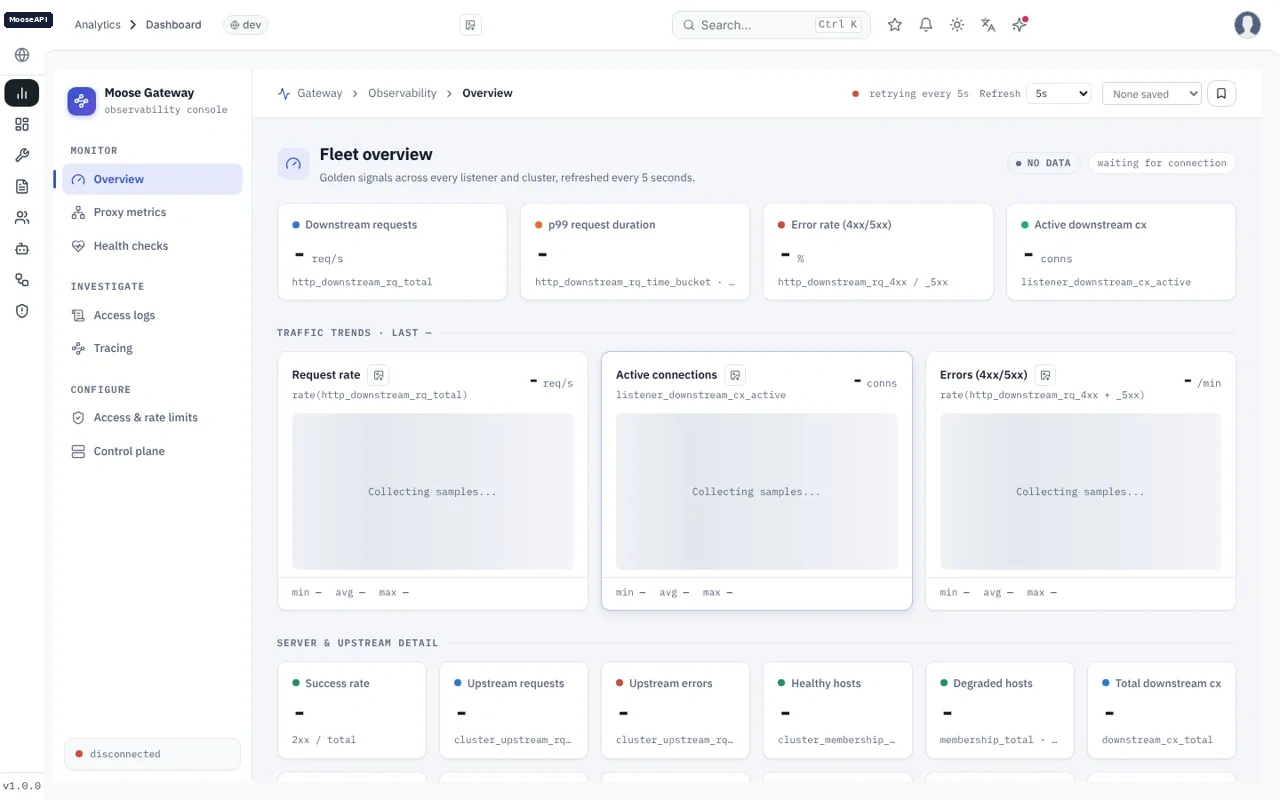
The console opens on the Analytics dashboard. This screenshot is a fresh install, so the charts are still empty.