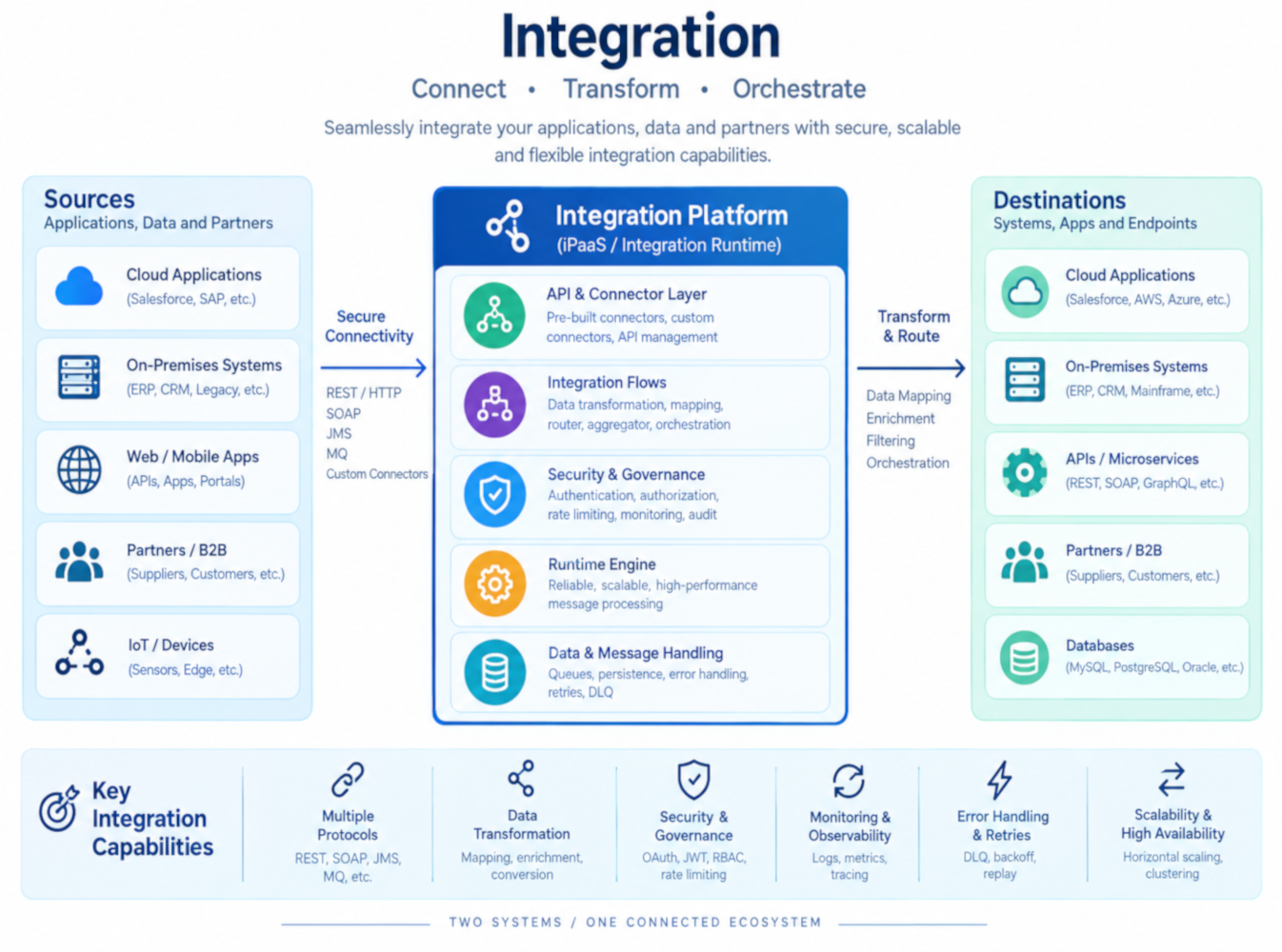
A visual designer lets you chain calls, transform data, branch on conditions and handle errors, without writing a separate service for every flow.
[ Capabilities ]
Build a workflow on a canvas, attach it to one method of a route, test it and save versions.
HTTP requests, conditions, loops, aggregation, transforms, validation, try/catch and fault handling out of the box.
Read request data, headers and variables with a simple syntax, and check results in the expression tester.
Send alerts by email, Slack, Microsoft Teams, PagerDuty, Opsgenie or a signed webhook.
Every run is recorded with the timing, input and output of each activity.
Find, replay, retry or dismiss runs that did not finish, and group runs by a business key such as an order id.
[ How it works ]
Choose the route method the workflow handles.
Build the flow on the canvas.
Run the workflow and check each activity.
Save a version, so you can roll back.
Watch live runs and recover failed ones.
[ Explore ]